



AccessoriesOrb Graphic Crew Socks¥126
THE WEIDIAN PRODUCT INDEX
Browse Weidian listings, check available QC photos, and shop through Hipobuy.
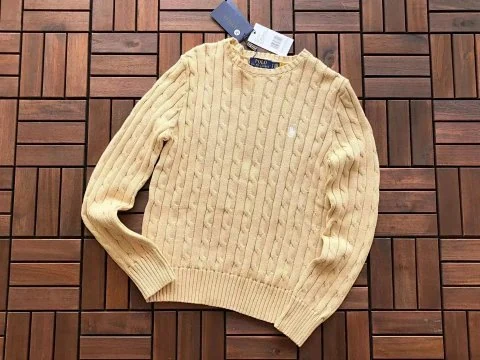
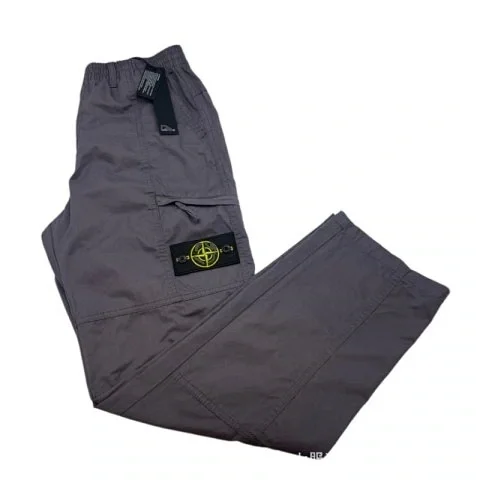
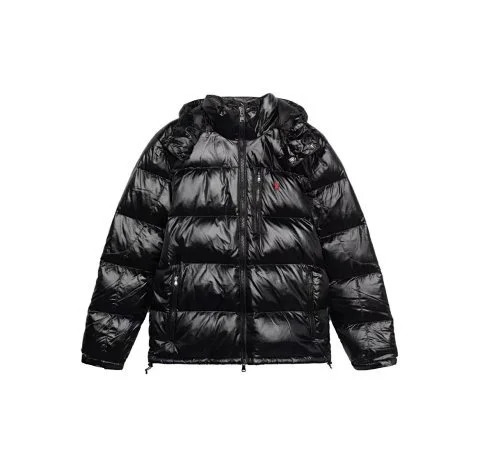

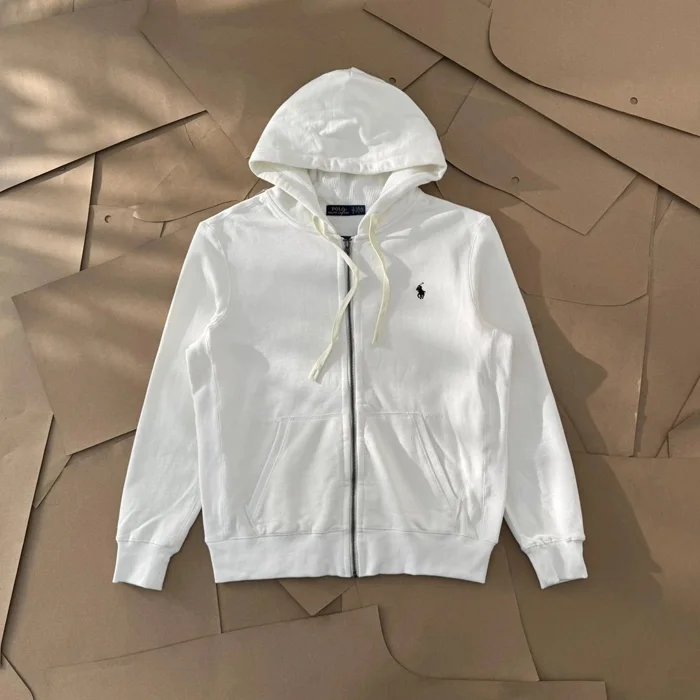

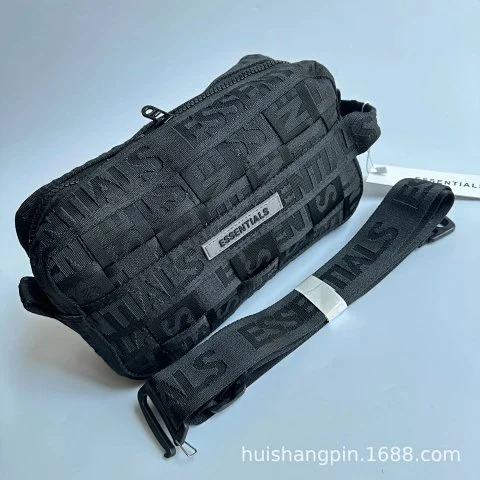
Use this real Findspreadsheet listing to see how the product gallery, Weidian item ID, reference price, buying options and warehouse QC fit together before you place an order.
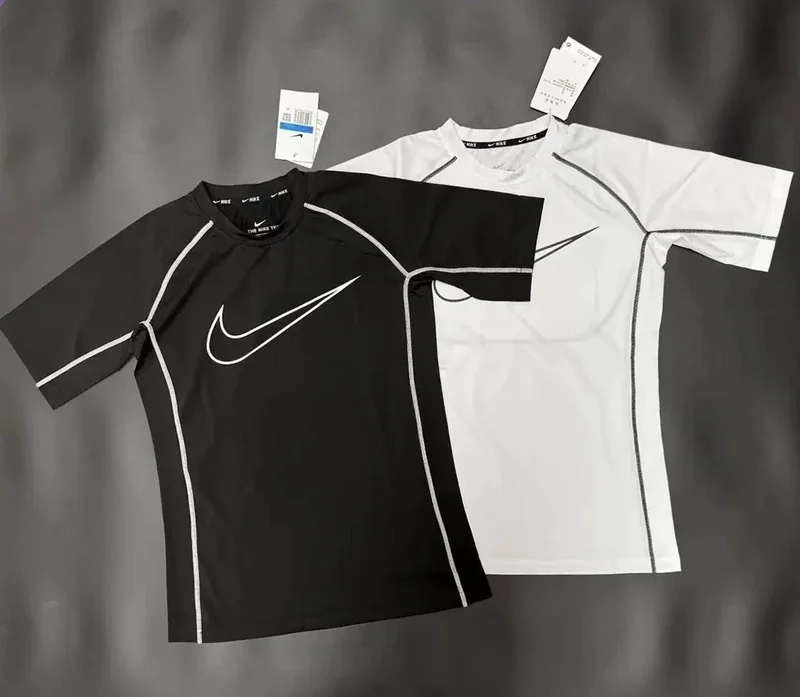
Example listing
Start with the seller photos. Use the thumbnails to check the front, back, seams and printed details where available. Match the title and Weidian item ID to the agent’s page so you open the same listing.
Open the live listing to check which sizes, colors and versions are available. Compare its measurement chart with a similar item you own. For a T-shirt, check whether the seller lists chest width or circumference, then compare body and sleeve length.
The catalog shows a reference price in the currency selected on the spreadsheet. Confirm the price of your selected variant, domestic delivery and any optional services when ordering. Review international shipping separately when the parcel is ready.
Use the primary buying button to open the item on your selected shopping agent. Other shopping agents opens the same Weidian item elsewhere. Confirm the item ID, selected options and payable total before checking out.
Findspreadsheet listingSeller photos describe the listing. Historical QC photos show an earlier warehouse inspection when available. The example T-shirt has no saved warehouse photos, so use the separate QC example to see what they look like. Inspect your own order photos before shipping.
See a real QC exampleScroll below QC to compare related finds from the same category. If you only have a photo, use image search to find visual matches, then open and verify the exact listing and options. Similar images can refer to different products.
Image SearchBuying Guide
Search this spreadsheet by name or paste a Weidian item ID. Open the product to check the gallery, reference price and item number.
Open product details
Select Buy on Hipobuy. On the official product page, verify the item, size, color, quantity and the current price. Use Add to cart or Buy now when you have selected the correct options.
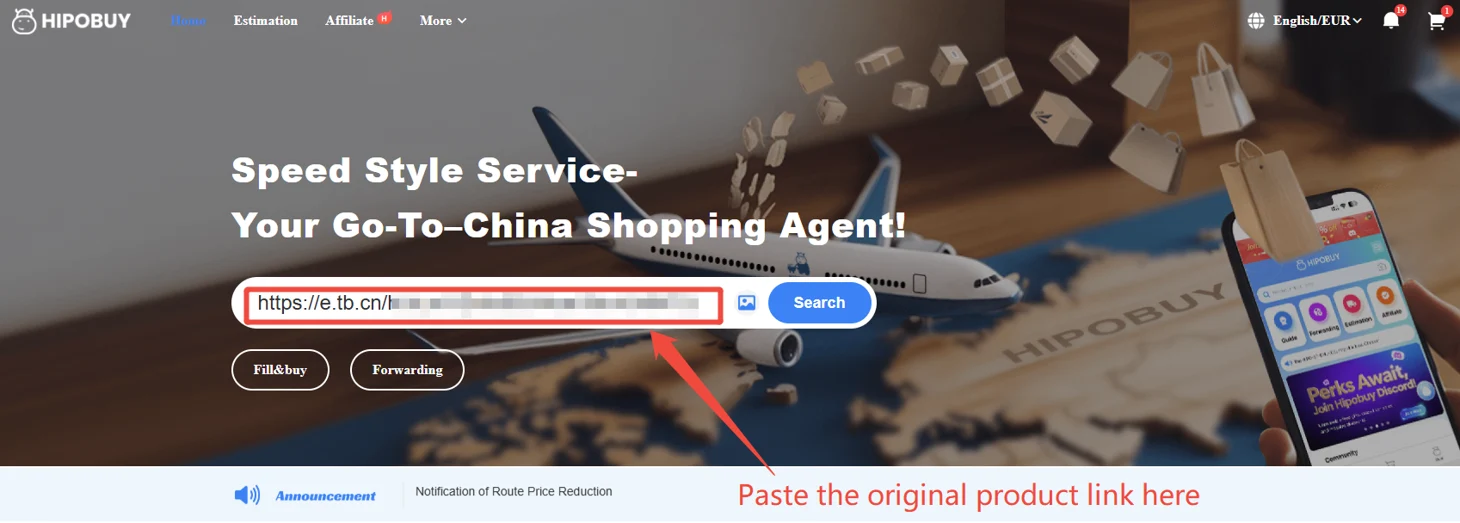
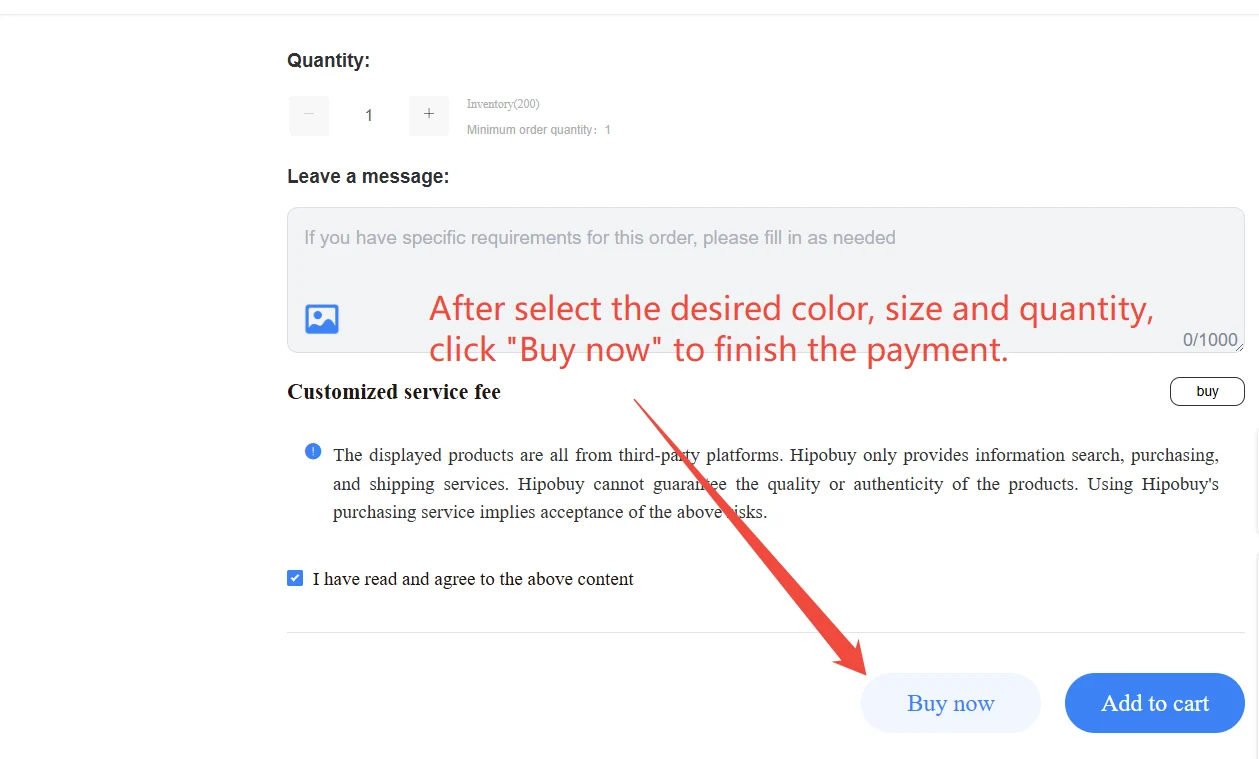
Sign in on Hipobuy. Review the product, selected options and domestic shipping to the warehouse. Review the amount due before confirming the order.
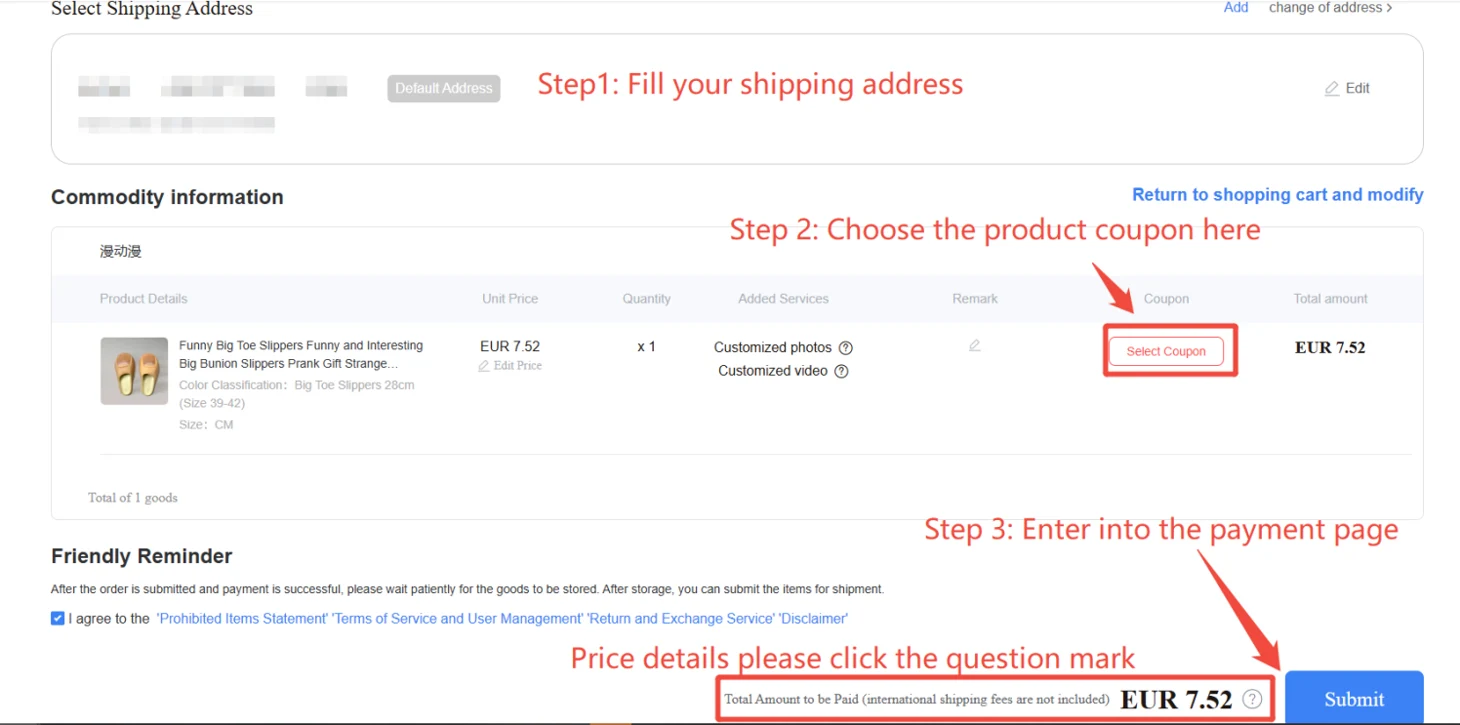
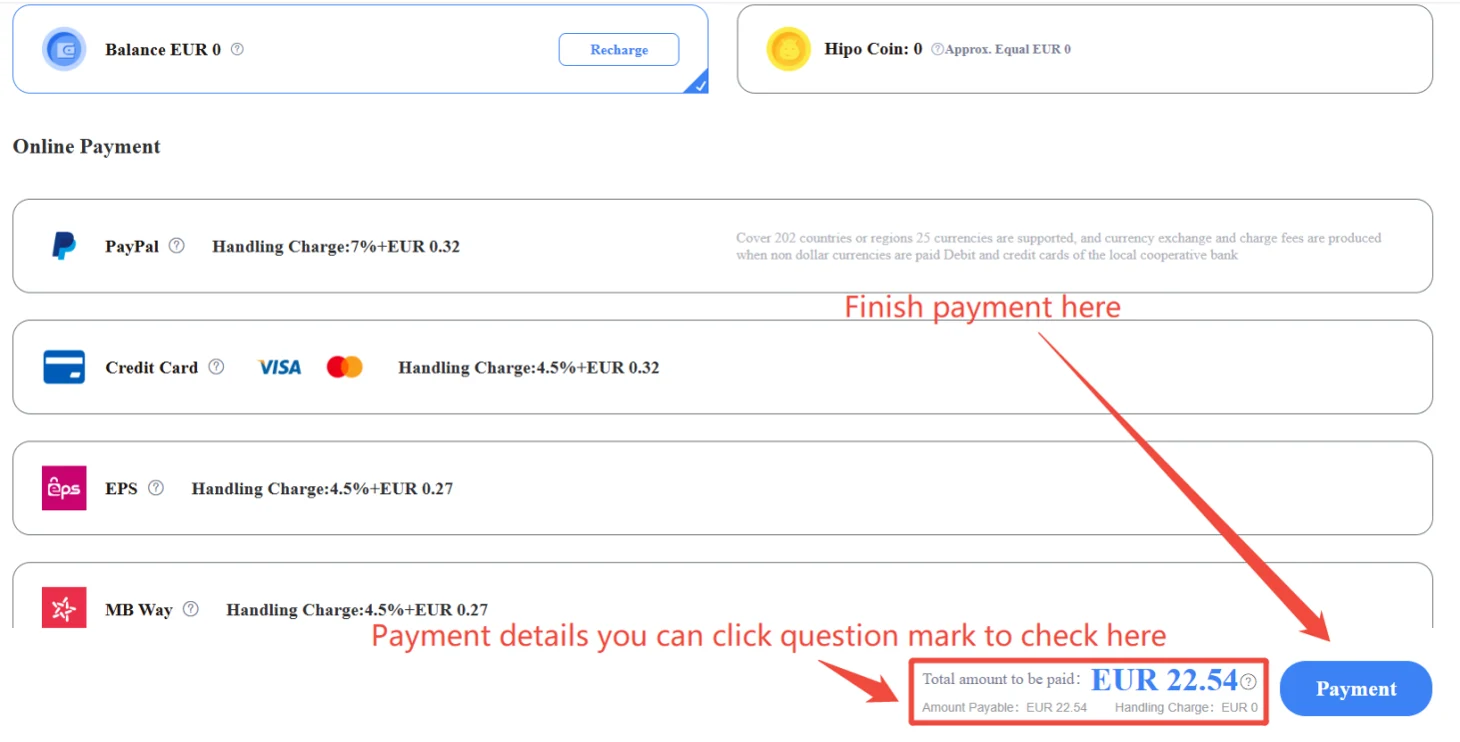
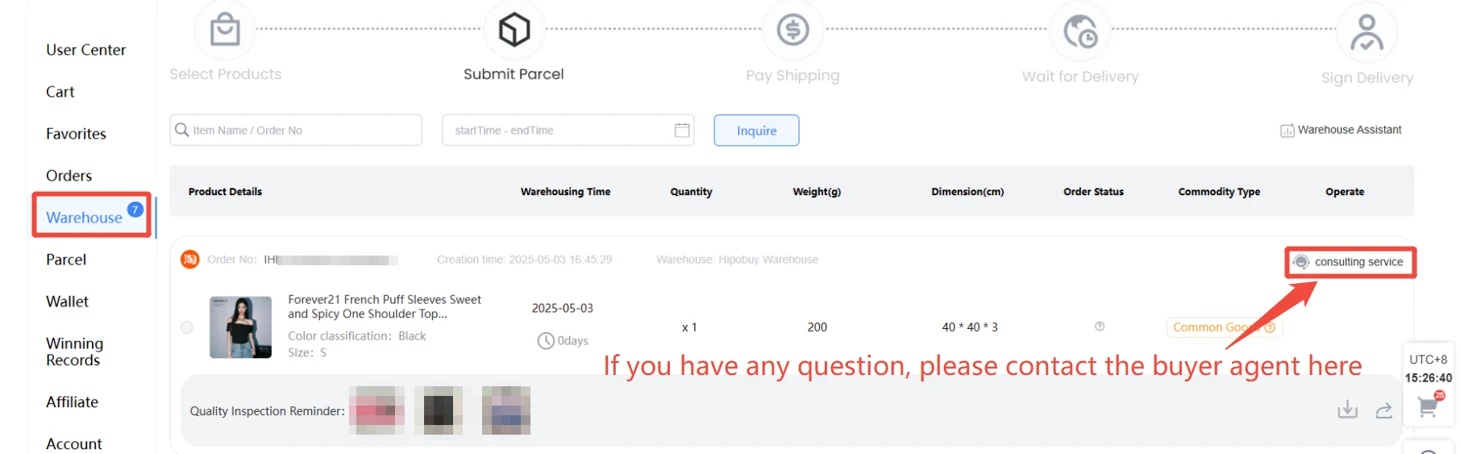
After the seller ships to the Hipobuy warehouse, open your stored item and review its inspection photos. If you see an issue, check the available after-sales options before shipping.
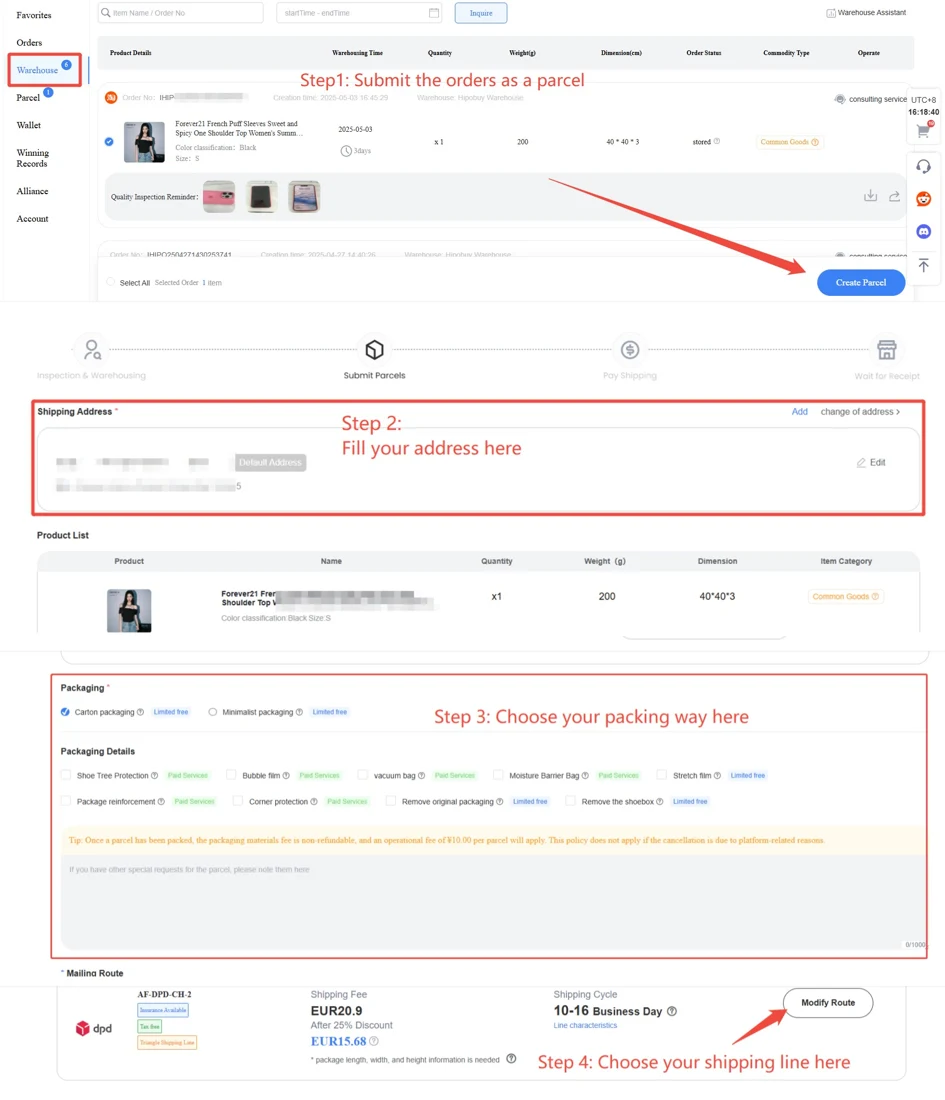
Check the shipping estimate using the destination, weight and parcel dimensions. In your Hipobuy warehouse, choose the items, check the route and address, then review the final quote before paying.
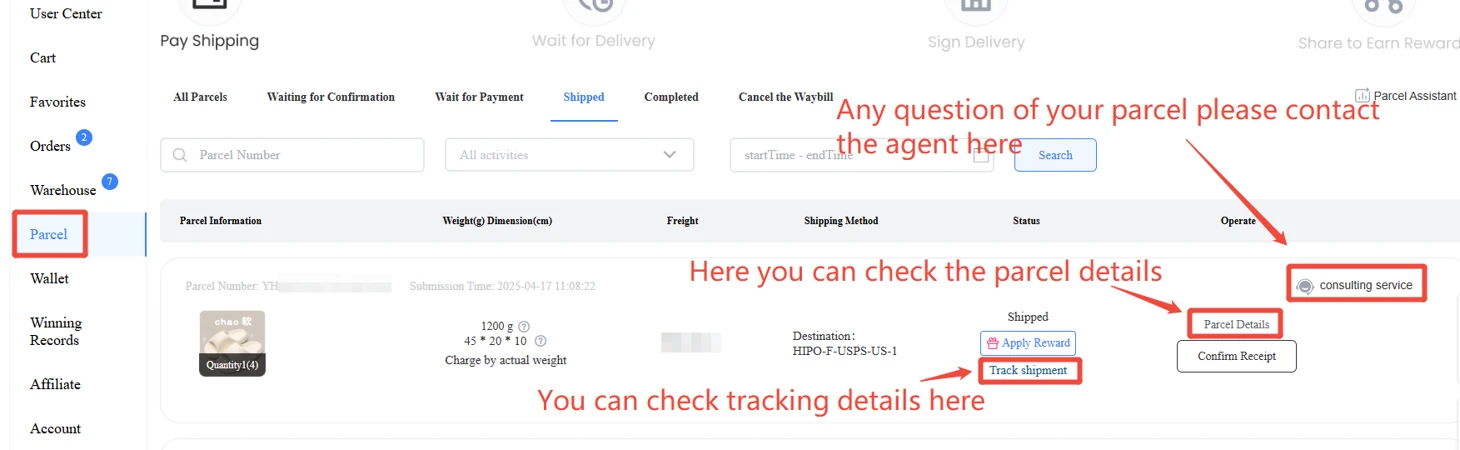
A searchable catalog of listings you can open on the Hipobuy buying agent. This preview uses the Findspreadsheet Weidian catalog.
Yes. Enter the numeric item ID or paste a Weidian or Hipobuy item link in the search box.
SpreadsheetHistorical QC photos are examples from earlier warehouse checks. Review your own order photos in Hipobuy before arranging shipment.
Check that the item ID is correct. A listing may have no saved historical photos. Compare the seller gallery with the listed specs, then inspect your own warehouse photos before shipping.
Find QCPrices are Findspreadsheet references in CNY. Check the current item price, agent charges and shipping on Hipobuy.
Registration, checkout, order storage and international shipping are handled at hipobuy.com.
Register on Hipobuy